
Integrated infrastructure
Cloud infrastructure for connecting and managing devices.
Connect your device to the cloud, bring control into the app and manage products after delivery. AirNgin gives your team the connectivity infrastructure and developer tools to get started.
Start testing with 10 free device serials
A ready-to-use app for iPhone and Android
Available to your users on the App Store and Cafe Bazaar


Try the switch to see the command flow.
Interactive communication example; no real device is connected
✓Open sample code
✓Developer documentation
✓Dedicated infrastructure options
Find the tools you need from the first prototype through supporting a device in your customer’s hands.
Use libraries, APIs and MQTT infrastructure so your team can focus on device behavior and the product experience.
Logs, firmware updates and remote support help your team follow up on device behavior throughout the product lifecycle.
Use trial serials and working examples to evaluate your device’s connection before planning the final deployment.
Connected-product services for electronics manufacturers. Open a category to explore its capabilities.
Use the voice-assistant button to control devices and create their scenarios.
Device control + scenario creation
Cloud infrastructure for connecting and managing devices.
Send commands and receive device status over the Internet.
An SMS control path for supported devices and equipment.
A settings page matched to each product’s supported parameters.
Receive platform time for connected-device logic.
Connect devices from different manufacturers without requiring identical message protocols.
Translate and adapt device protocols and data with JavaScript.
Store device information in cloud storage.
Review logs over 7, 30 or 365 days according to the selected service.
Receive coordinates and display the reported device location.
Programmatic access for building integrations and complementary services.
Test connectivity, inspect messages and prepare device setup.
Define custom logic and scenarios for each device.
Create scenarios for a group of devices in the app.
Run configured actions from device state, time or day of the week.
Deliver device notifications to its owner in the app.
Send device messages to the owner or manufacturer.
Adapt device message content to your product.
Get coding and circuit-design guidance through support tickets.
Review and support deployed devices remotely.
Update the firmware of compatible devices remotely.
Provide product-specific instructions inside the app.
In-app guidance for understanding and using the product.
Transfer ownership while retaining the location and device settings.
Start with an application close to your product.
Existing guides and open libraries provide a practical starting point for evaluating your product’s connectivity.
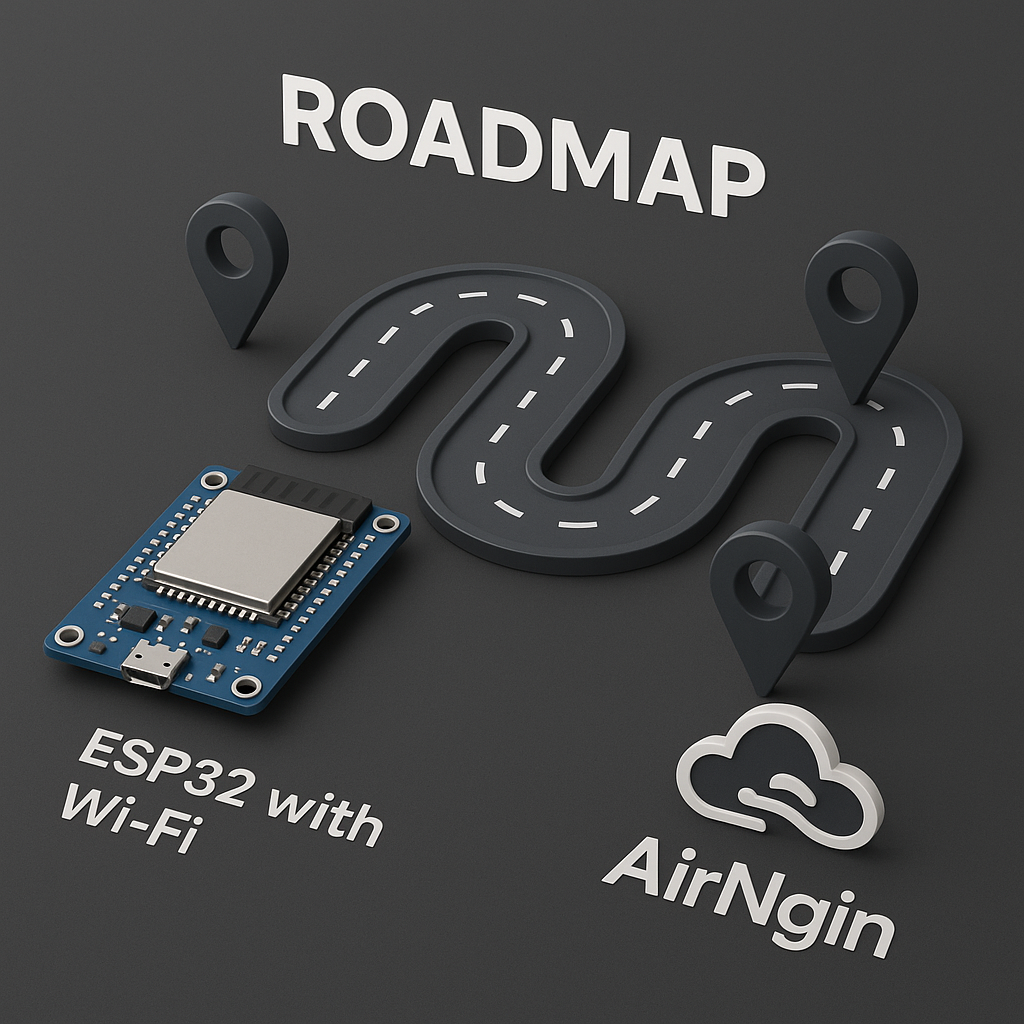
Follow the two-relay example using the ESP32 WROOM-32D board and AirNgin’s Arduino library.
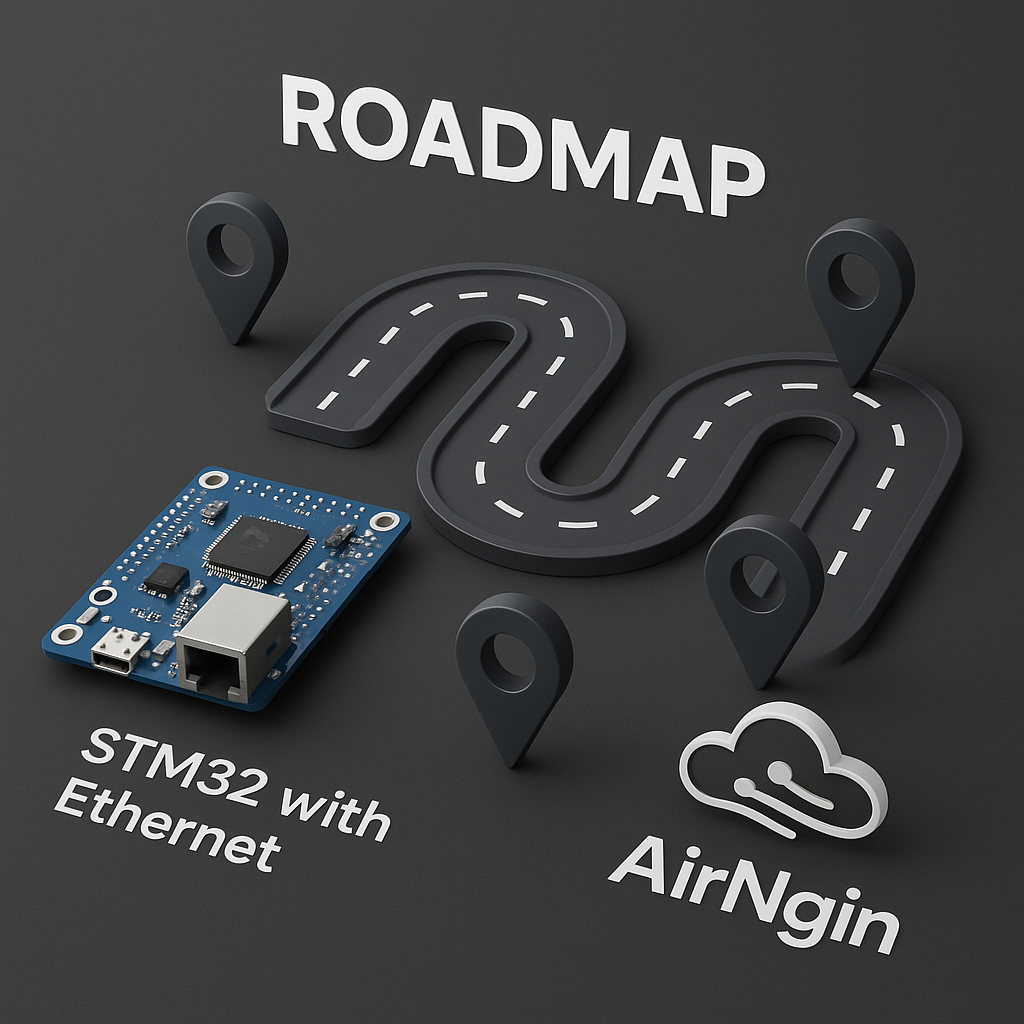
Review the two-relay example using an STM32 and W5100 module, then adapt the connection flow to your product.
These examples are a starting point for technical evaluation. Review compatibility and final product requirements for your own device.
Enter the manufacturer panel and begin an initial evaluation with 10 free device serials.
Use the documentation and sample code to test sending and receiving device messages.
Discuss deployment, capacity, support and dedicated infrastructure requirements with the AirNgin team.
Let users control the device, view its status and run automation scenarios while your team focuses on product capabilities.
Device control Live status Smart scenarios
AirNgin
Alongside your connected devices
If the answer depends on your device and architecture, discuss it with our team before development.
ESP32 and STM32 examples are available to get started. For other equipment, review networking, protocols and firmware constraints. A JavaScript analyzer is also available for adapting device data. Tell us about your product.
Online control requires a network connection. Supported devices and equipment can use an additional SMS path, depending on hardware, SIM and configuration. Review and test it for your application.
You can start evaluating the platform with 10 free device serials. To select services and estimate your deployment, visit the pricing page or discuss infrastructure requirements with our team.
Dedicated infrastructure is an AirNgin option. Architecture, capacity, service levels and support responsibilities are reviewed according to project requirements. Explore dedicated infrastructure
Start the conversation with these three details:
Have a technical team, or still choosing a development path? Product details help us start the conversation in the right place.